
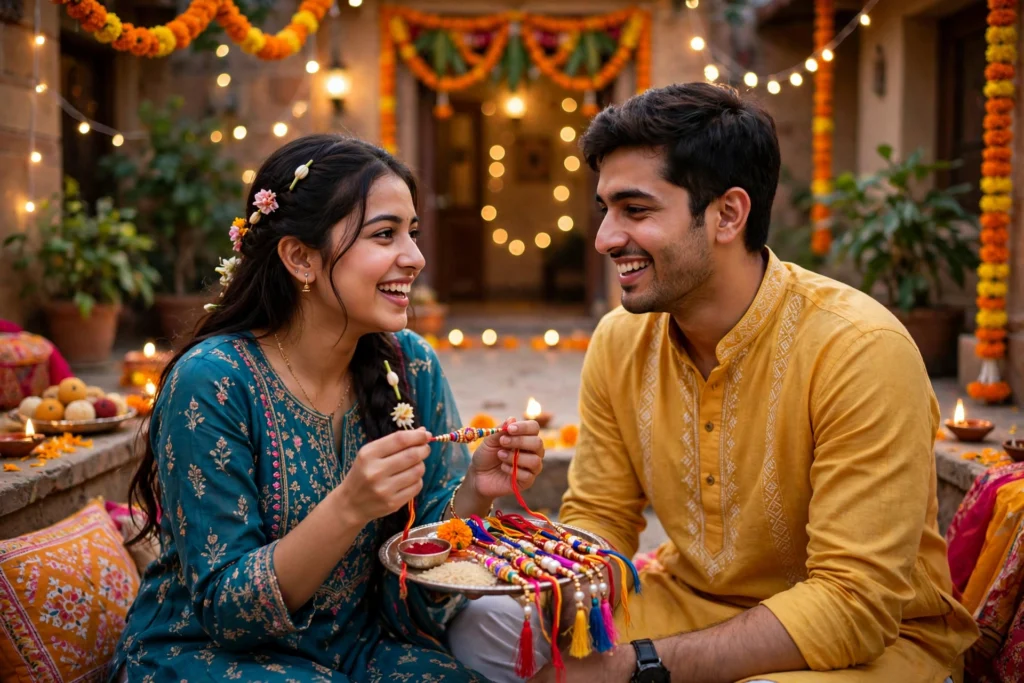
Raksha Bandhan is a festival of a simple, warm moment: a sister ties a rakhi, a brother smiles, and the whole family gathers around. A good photo keeps that feeling alive long after the day is over. With a clear AI prompt, you can turn a normal festival photo into a bright, clean and memorable picture without complicated editing.
This guide shows you how to do it step by step. Every prompt idea below is written in simple words, so you can copy the idea, change it for your own photo, and get a result that still looks natural.
Start with a good photo
AI editing works best when the starting photo is already clear. Choose a photo where faces are visible, the light falls on the face, and the rakhi or the moment is in focus. A slightly blurry or very dark photo will not become perfect with a prompt alone.
Before you write a prompt, decide one thing: what should improve? Brightness, background, colours, or the overall festive look? Pick one main change first, then add a second small change if needed. This keeps the photo natural and avoids a plastic, over-edited look.
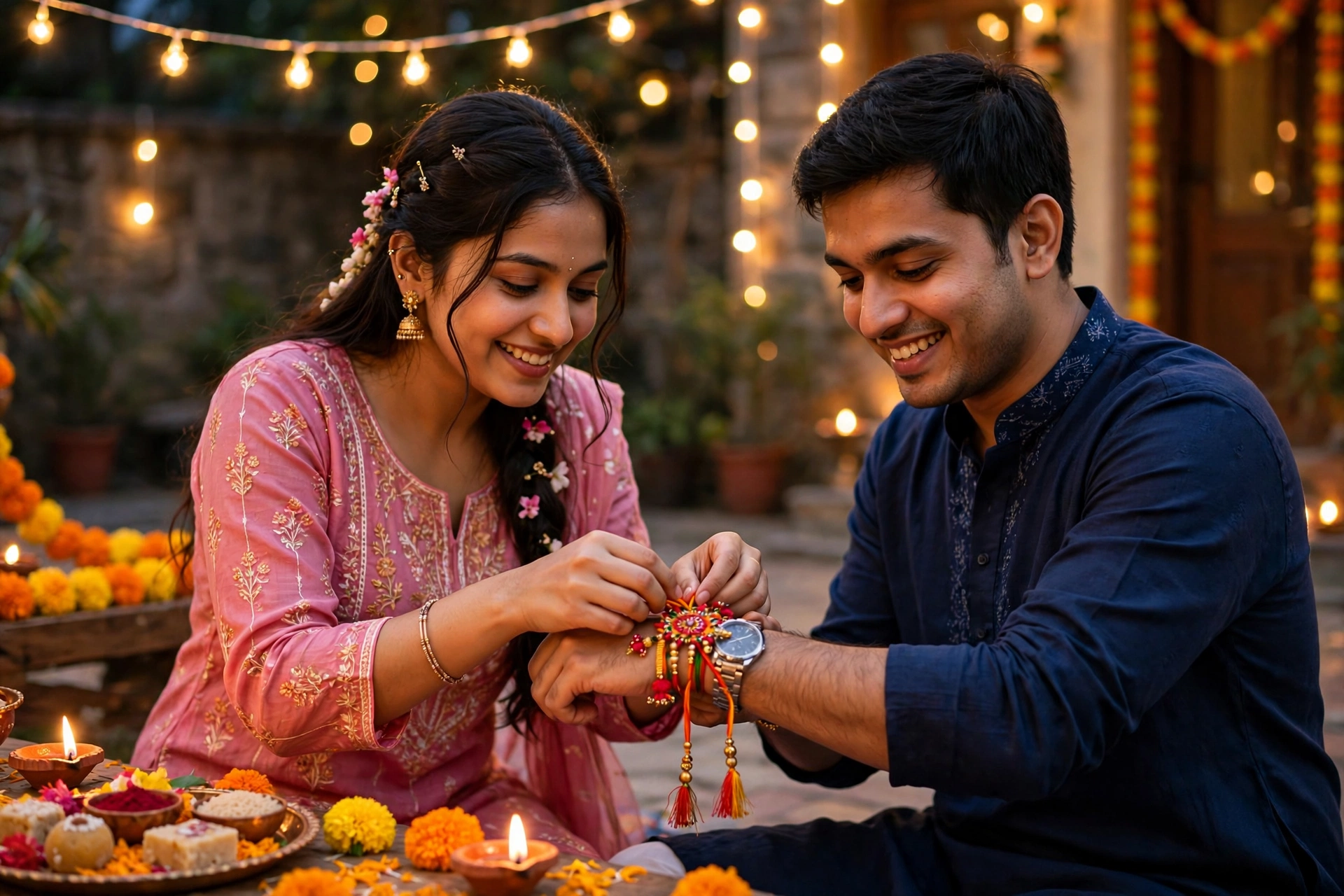
Step by step: how to use a prompt
- Open your AI photo editor and upload the Raksha Bandhan photo.
- Write a short prompt that describes the photo, the people, and the change you want.
- Mention the mood: warm, joyful, festive, or soft and natural.
- Generate the first version and check the faces carefully. Hands, eyes and the rakhi should look real.
- If something looks wrong, change one word at a time instead of rewriting the whole prompt.
- Save the version you like, and keep the original photo safe as a backup.
A common mistake is asking for too many changes at once. For example, asking for a new background, new clothes, new lighting and a new style in one prompt often creates strange faces. Work in two small steps instead: first fix light and colour, then change the background or style.
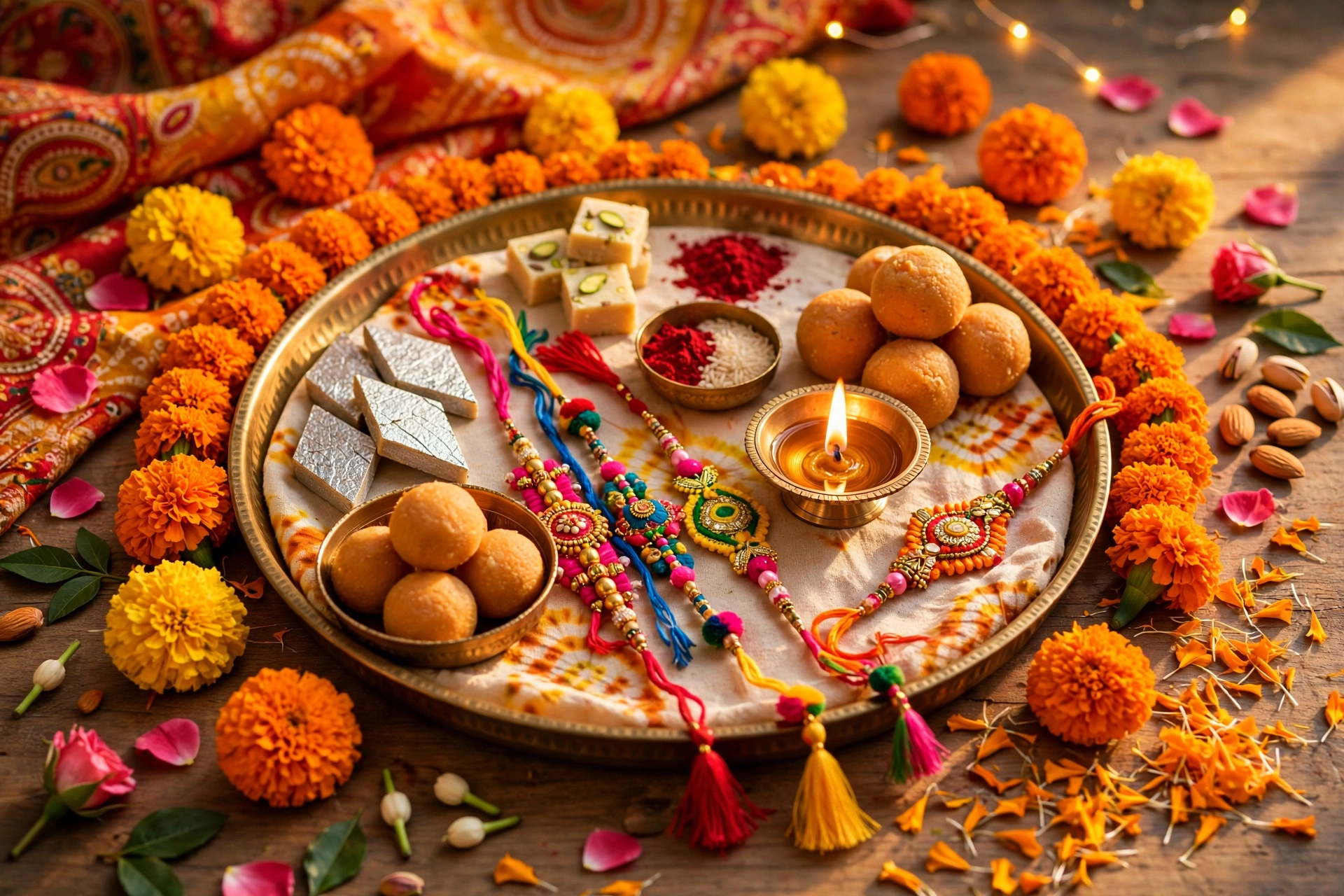
Prompt idea 1: Bright and natural festive photo
Use this when your photo is a little dull but the moment is perfect. Ask for soft warm light, clear skin tones, and a clean festive background, while keeping faces exactly the same.
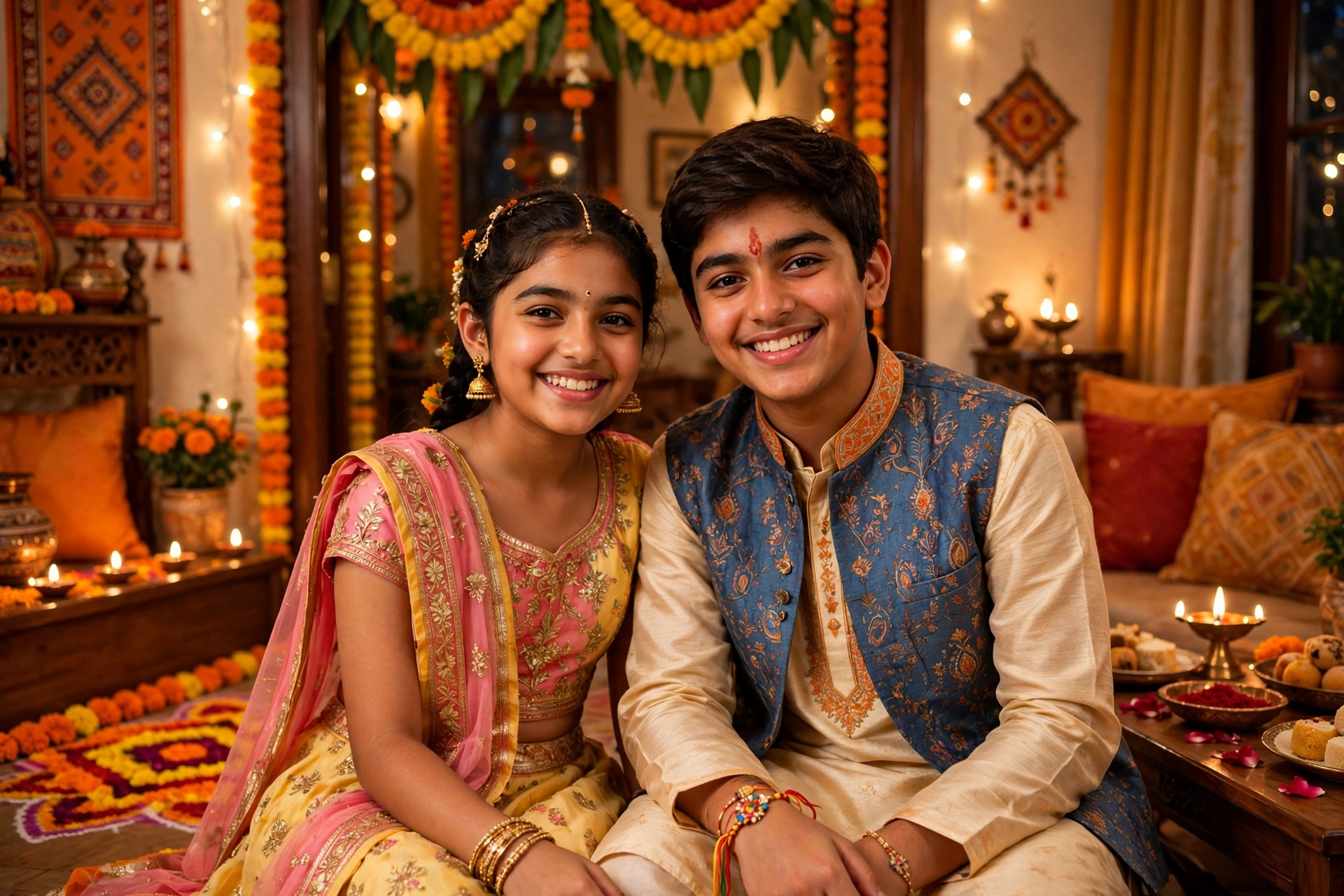
Prompt idea 2: Rakhi close-up highlight
Use this for a photo where the rakhi is the star. Ask for a gentle focus on the rakhi and hands, with a soft blurred background, so the detail of the thread and beads stands out.
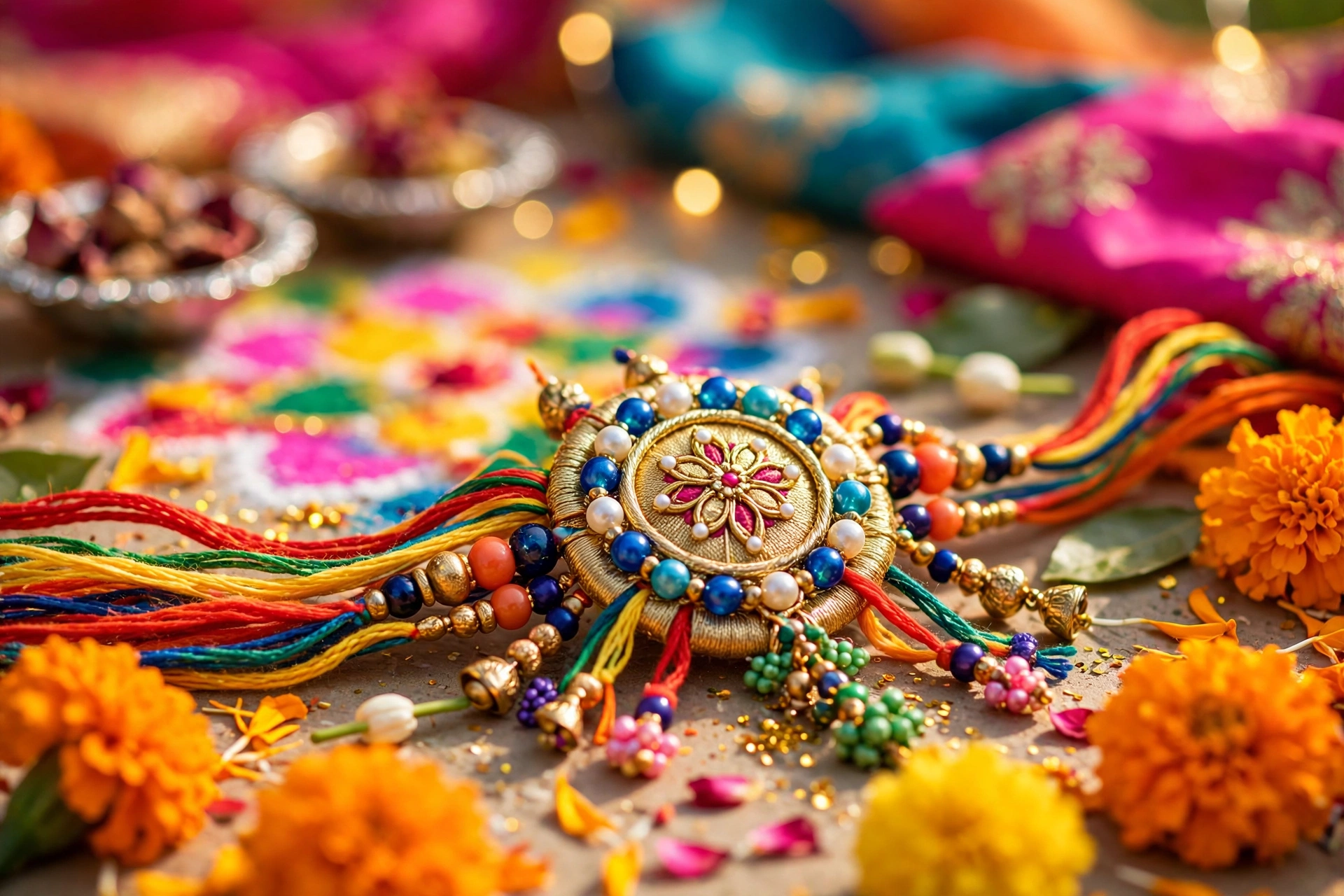
Prompt idea 3: Traditional celebration look
Use this when everyone is in traditional clothes. Ask for warm golden light, rich but natural colours, and a festive home setting with lights and flowers, without changing anyone’s face or clothes.
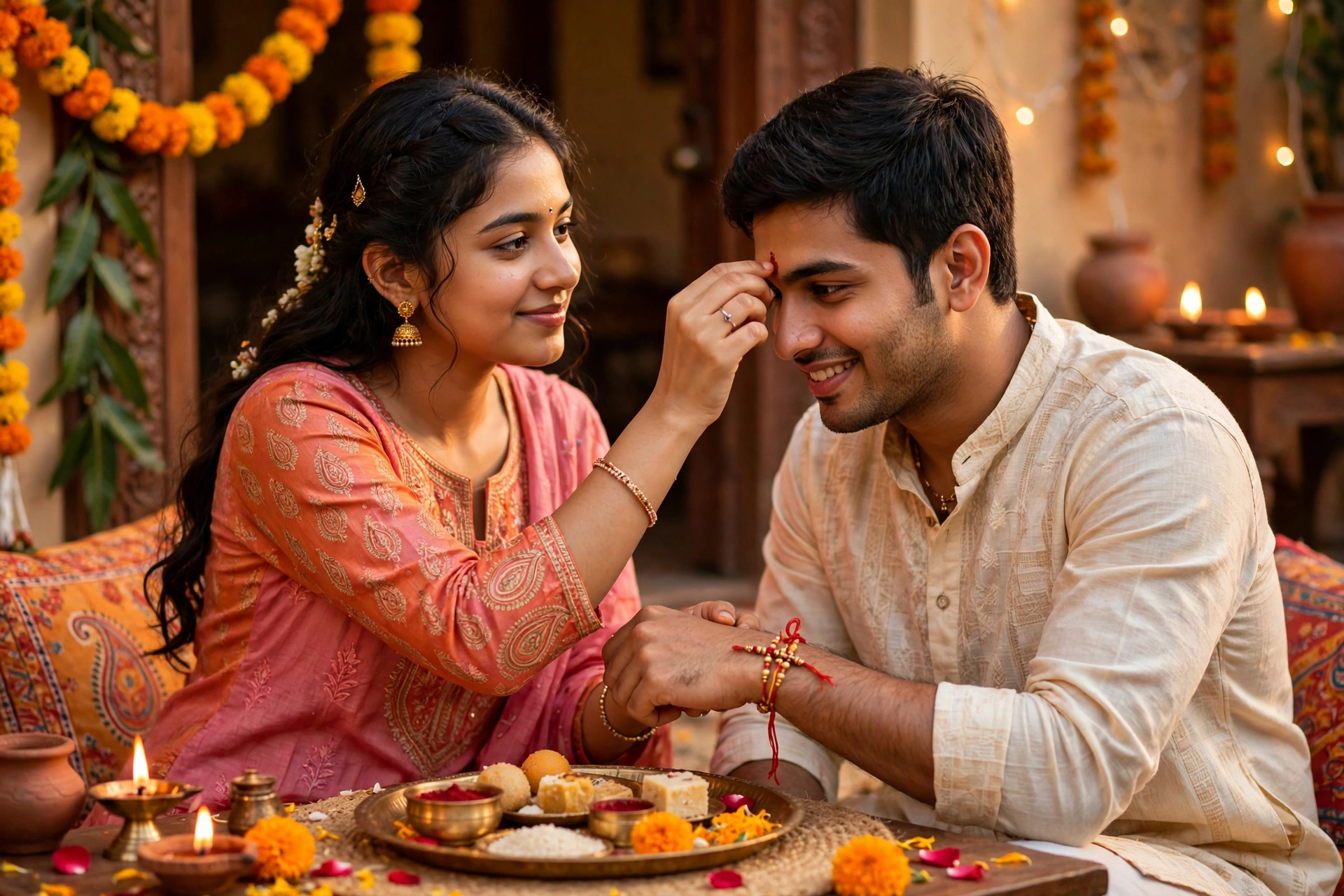
Prompt idea 4: Joyful family group photo
Group photos often have one dark face or a messy background. Ask for even light on all faces, a tidy festive background, and a warm, happy mood, while keeping every person in the same place.
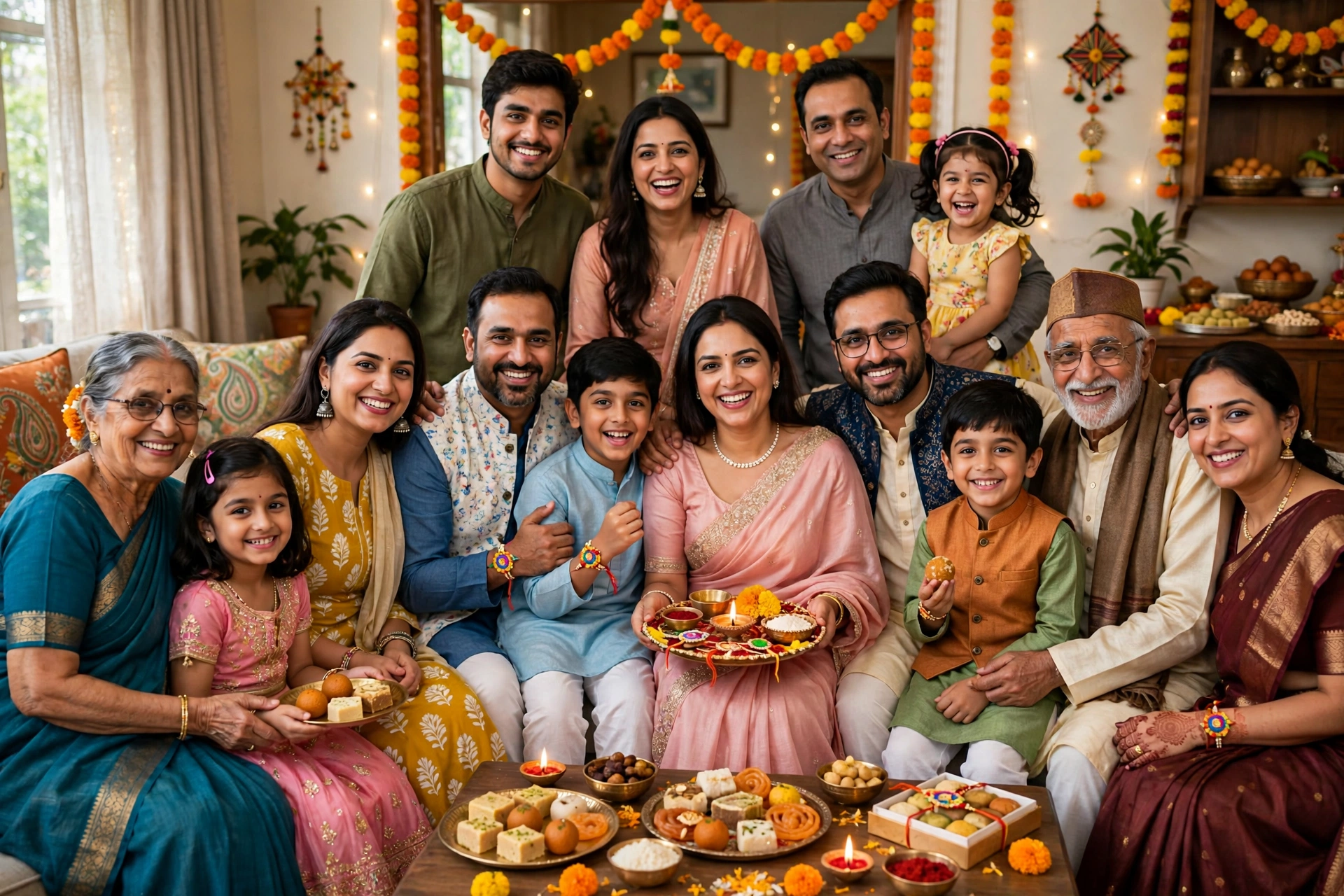
Prompt idea 5: Soft golden evening style
Use this for evening photos taken after the main celebration. Ask for a soft golden glow, gentle shadows, and a calm festive feeling, so the photo looks like a warm evening memory rather than a harsh flash photo.
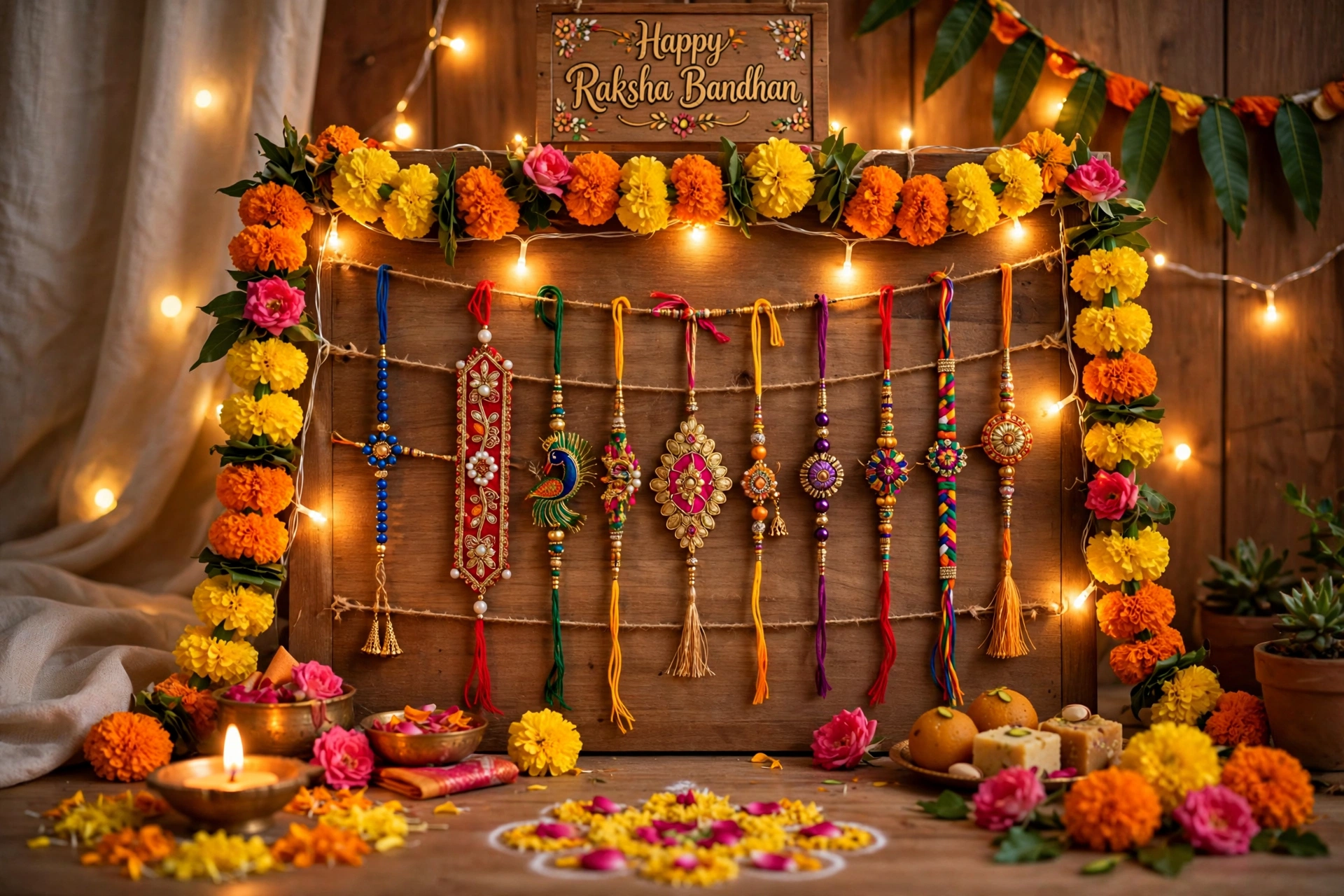
Prompt idea 6: Clean portrait of brother and sister
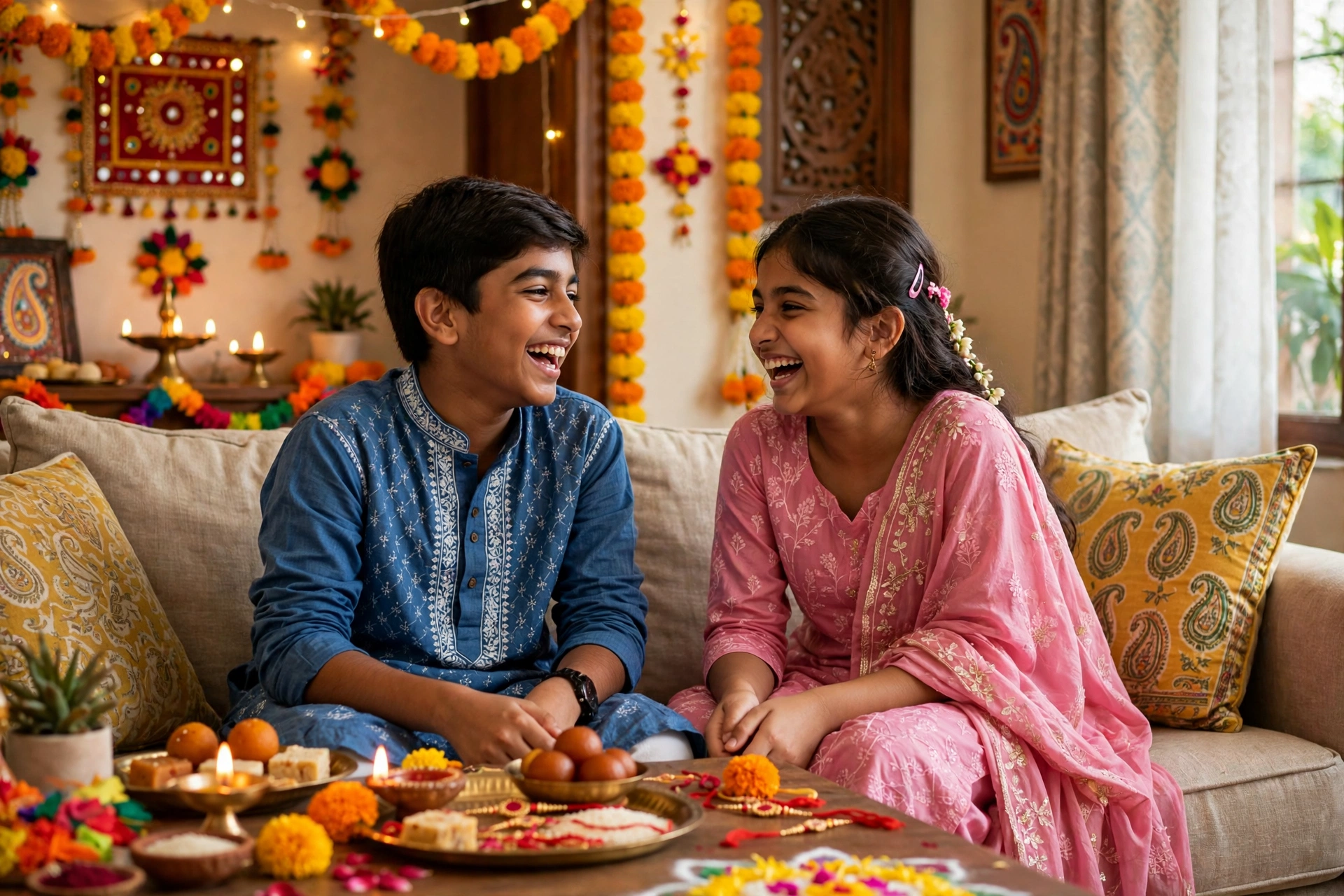
Use this for a simple portrait of a brother and sister together. Ask for a clean background, natural smiles, and soft light on both faces, so the bond between them stays the focus.
Prompt idea 7: Sweets and gifts table photo
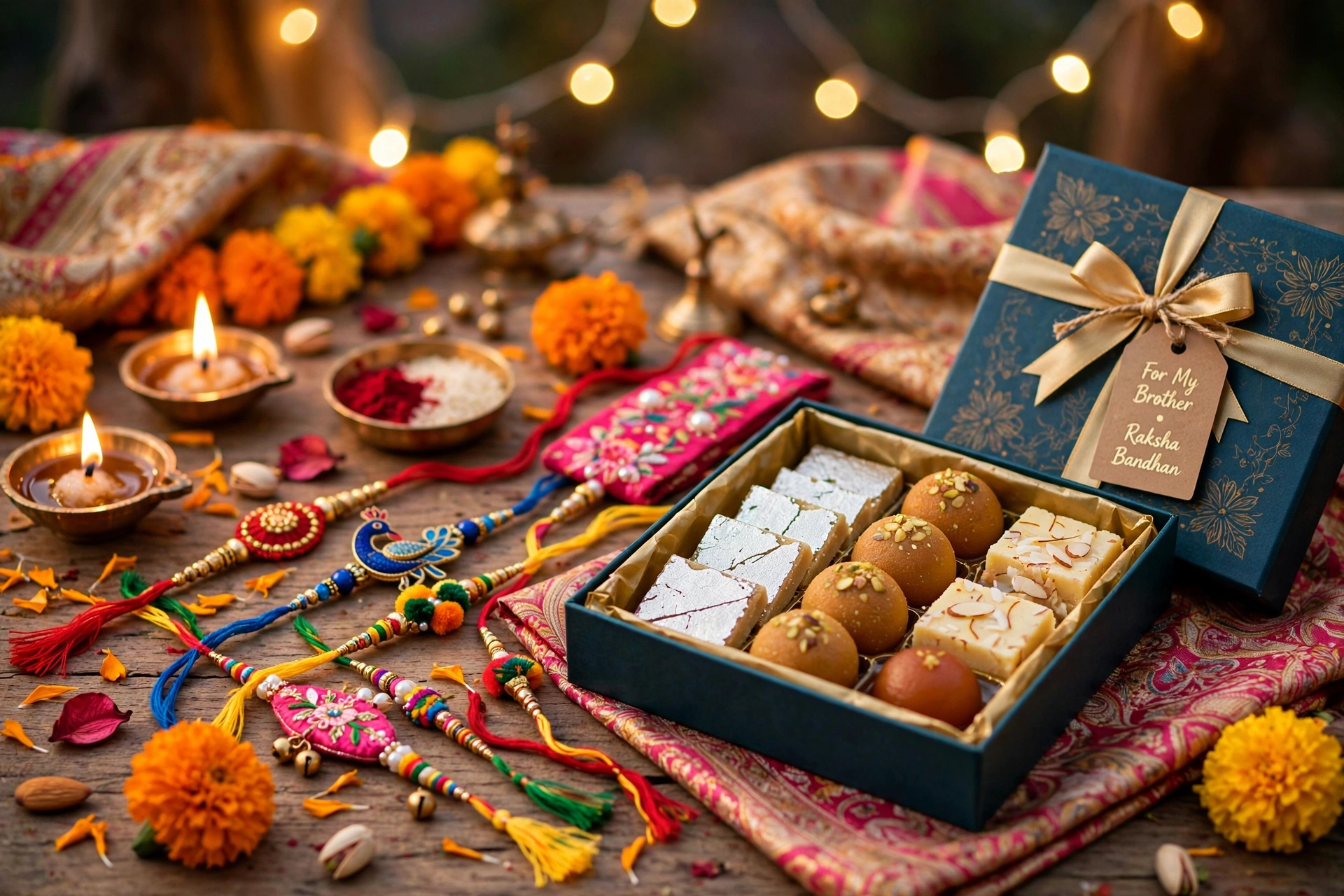
Festival tables with sweets, gifts and rakhis make lovely photos, but they can look cluttered. Ask for a tidy, bright arrangement with warm colours and clear details, without adding items that were not there.
Prompt idea 8: A photo to share with family
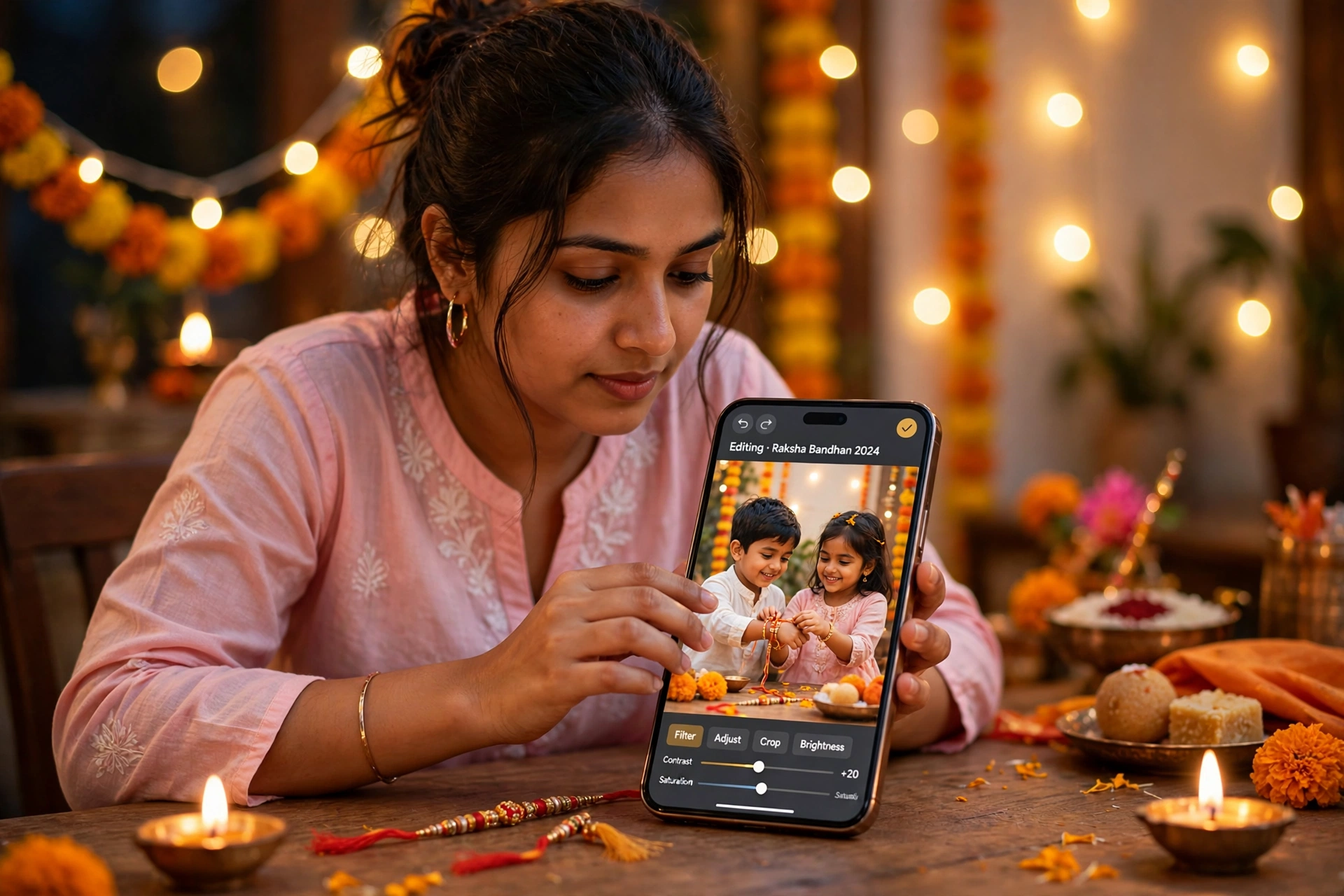
For a photo you want to share in a family group, ask for a bright, sharp and cheerful result that looks natural on a phone screen. Avoid heavy filters, because they make skin look unreal on small screens.
AI PROMPT — copy and adapt
Use this as a starting prompt, then change the bracketed words for your own photo:
“A warm Raksha Bandhan photo of [brother and sister] celebrating at home, soft golden light, natural faces, bright festive colours, clean background, joyful and realistic.”
Keep your own face and clothes unchanged, keep the rakhi clearly visible, and keep the result natural and realistic. That last sentence matters more than any fancy word, because it tells the tool not to change who people are.
Common mistakes to avoid
- Do not use a very long prompt with ten different styles. Short and clear works better.
- Do not change faces. If a face looks different, stop and use a simpler prompt.
- Do not add too much saturation. Festive colours should look rich, not neon.
- Do not crop the rakhi out by accident. Check hands and wrists in the final image.
- Do not share a photo without checking it at full size. Small previews hide mistakes in hands and eyes.
Quick checklist before you share
Check faces, check the rakhi, check the light, and check the background. If all four look natural, your photo is ready. If one looks wrong, fix only that one thing and generate again.
Raksha Bandhan photos are not about perfect editing. They are about a moment between a brother and a sister, and a good prompt simply helps that moment shine a little brighter.
About the author
Muhammad Zohaib Baba of Prompt ke author hain. Wo simple AI photo editing prompts, festival edits aur templates ke baare me likhte hain taake har user apni photo aasani se behtar bana sake.