
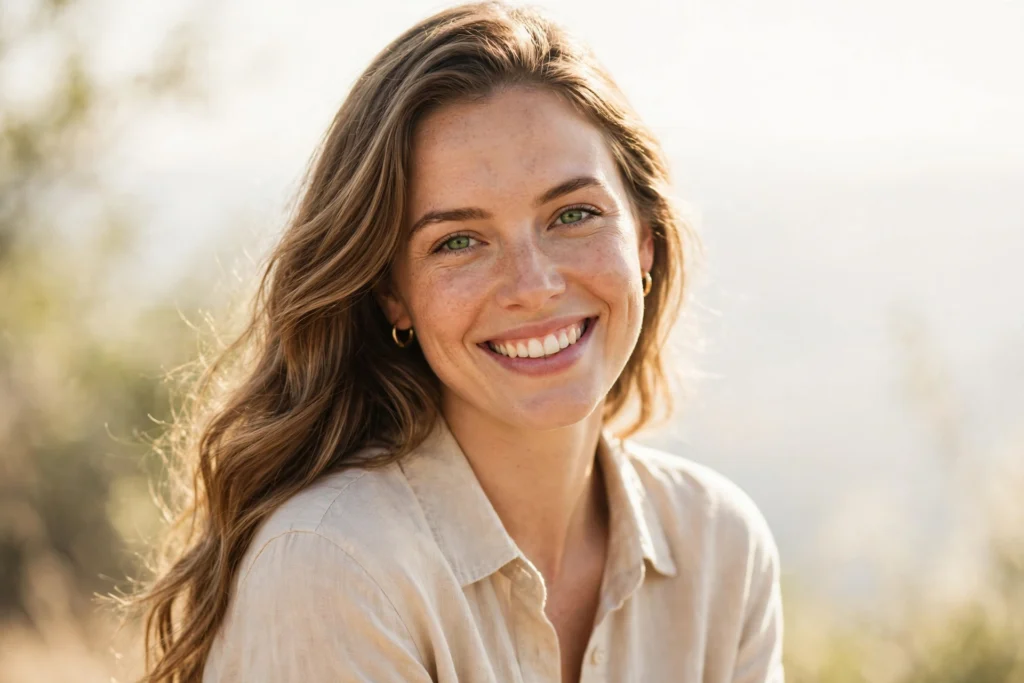
Everyday pictures often need only a small change to look polished. A clear, simple prompt can help an AI photo tool improve light, colour, and background without changing the person in the photo beyond recognition.
Start with one clear change
Choose a single idea first, such as softer daylight, a cleaner background, or a warmer colour tone. When the request is short and clear, the result is easier to check and easier to adjust.
Describe the photo, not just the style
Mention the setting, the light, and the mood in plain words. For example, ask for a bright outdoor look, a calm indoor portrait, or a clean studio-style background. Keep the wording simple so the tool can follow it.
Check the result before you share it
Look closely at faces, hands, and small details. If one part looks wrong, change only that part in your next prompt. Small, patient edits usually give a more natural result than a long list of changes at once.
This sample post shows the layout for the Ai Prompts category. The ideas here are general guidance for everyday photos, not a promise about any single AI tool.