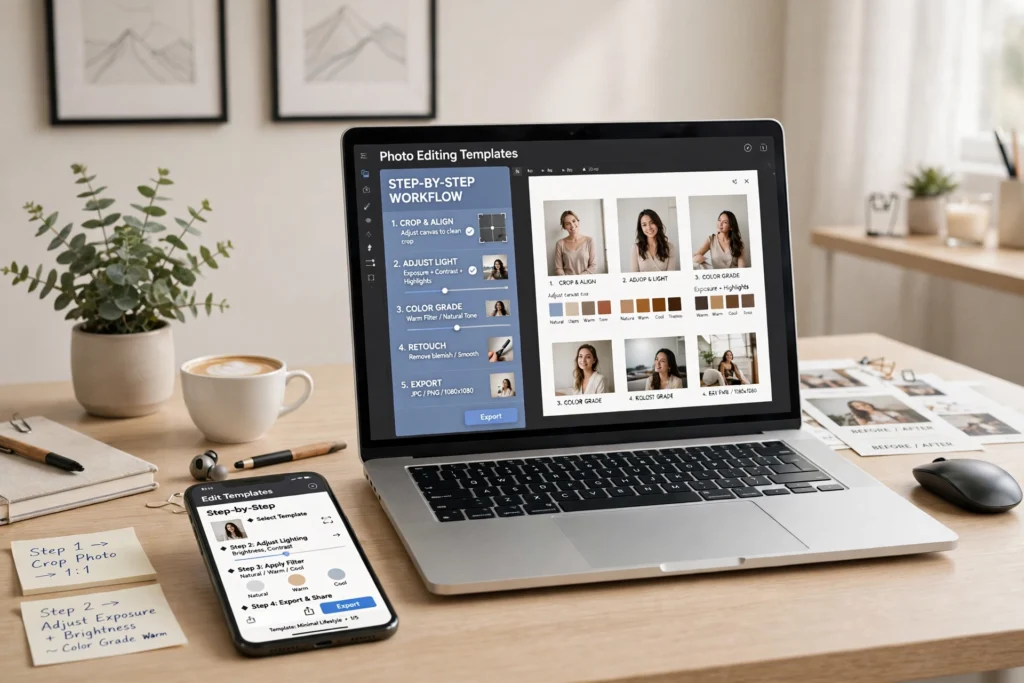
A prompt template is a ready-made starting point. Instead of writing from scratch, you fill in a few details about your photo and let the AI tool do the rest.
Step 1: Pick the right template
Choose a template that matches your goal, such as a clean portrait, a bright outdoor look, or a simple studio-style background. A good match saves time and gives a clearer result.
Step 2: Fill in your own details
Replace the general words with your own: the setting, the light, and the mood. Keep the rest of the template as it is, so the structure stays clear.
Step 3: Test, check, and adjust
Paste the finished prompt into your AI tool together with your own photo. Check faces, light, and background. If one part needs work, change only that part and try again.
Templates work best when they are treated as a starting point, not a final answer. Small personal changes usually make the biggest difference.
This sample post shows the layout for the Templates category.